I Love the Smiths: photo guide
Last updated:
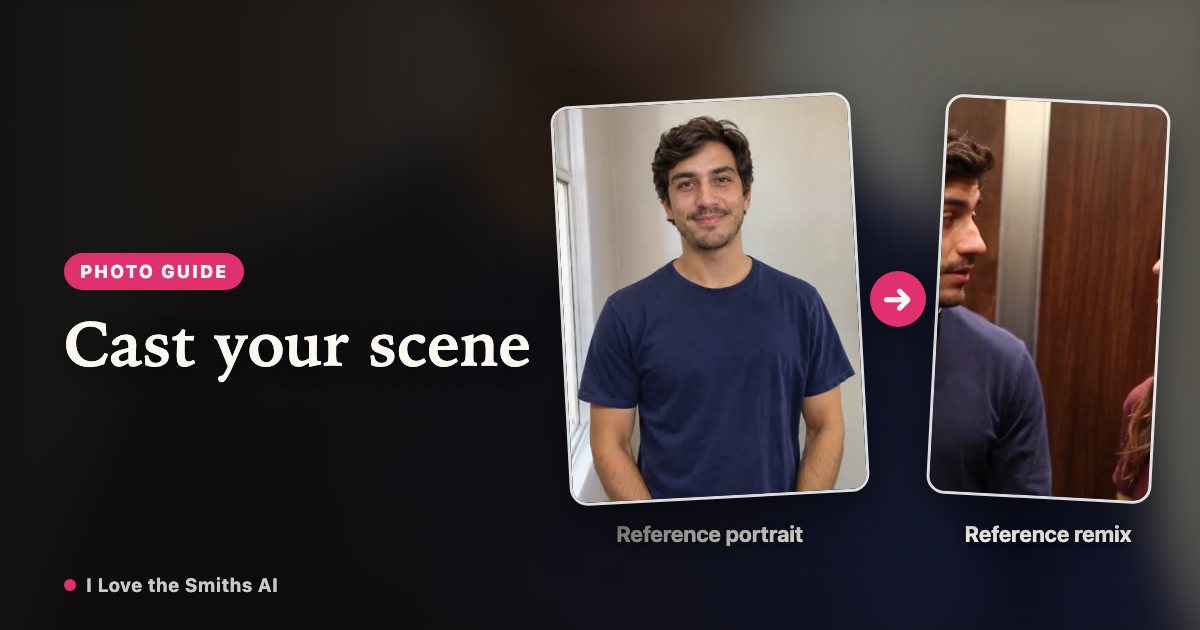
Start with a clear portrait and decide who should be in the elevator. You do not need to describe the scene or write a new prompt.
Watch the I Love the Smiths reference scene
1. Pick a portrait for the listener
Use one consenting adult, facing the camera, with visible head and shoulders and even lighting. Avoid group photos, masks and heavy filters. The first upload always plays the headphone listener.
2. Add a conversation starter, if you want
The second upload is optional and costs no extra credits. Use a different authorized adult portrait for that role, or leave it empty to retain the reference co-star. Both photos stay in your browser draft while you sign in or buy credits.
3. Choose the exchange length
Select 15 seconds for 100 credits, or 23 seconds for 160 credits. Credits are bought once and never expire; a confirmed failed render returns the credits used.
4. Review the scene and soundtrack
After rendering, a prepared soundtrack is attached and the finished 16:9 MP4 appears in My videos. Review mouth timing, faces and framing before downloading. Completed files are kept for 30 days after they finish.
FAQ
Do I need two photos?
No. One portrait replaces the listener. A second portrait optionally replaces the speaker, at the same credit cost.
How many credits does a video use?
15s uses 100 credits; 23s uses 160 credits. Confirmed failed renders return those credits.
Does this generate my voice?
No. A prepared scene soundtrack is added after rendering. This does not clone your voice or guarantee perfect lip sync.
Your I Love the Smiths moment is one photo away
Create my video